The modern desk has a connection problem.
A work laptop sits beside a personal computer. A gaming system shares space with a productivity monitor. A keyboard and mouse need to jump between devices. USB accessories multiply. Displays demand higher resolutions. Meanwhile, nobody wants a desktop covered in cables, adapters, chargers, switches, and docking stations.
AV Access approaches this challenge from a refreshingly practical direction: instead of asking users to build increasingly complicated setups, the brand develops connectivity products designed to make those setups feel simpler.
From KVM switches and USB-C docking stations to high-bandwidth display solutions, AV Access focuses on an increasingly important category of technology—the equipment working quietly between your computers, monitors, peripherals, and entertainment devices.
Its products may not always be the centerpiece of a desk, but they can determine how smoothly everything on that desk works together.
For professionals moving between computers, gamers building high-performance stations, creators working across multiple displays, and hybrid workers who want fewer cables, the AV Access ecosystem offers some particularly interesting possibilities.
Here are five AV Access products that demonstrate what the brand brings to the modern connected workspace.
AV Access: Technology Designed for the Space Between Devices
Most people upgrade computers one device at a time.
First comes the new laptop. Then perhaps a second monitor. Later, a desktop PC joins the setup. A mechanical keyboard follows, along with an external SSD, webcam, microphone, speakers, and charging accessories.
Individually, everything works.
Collectively, the desk can become chaotic.
That is precisely the environment in which AV Access makes sense.
The brand specializes in audiovisual and connectivity hardware such as KVM switches, docking solutions, extenders, AV-over-IP equipment, HDMI devices, conferencing products, and accessories. Its Amazon storefront places particular emphasis on the iDock Series, presenting a vision in which several computers can share displays, peripherals, and workspace infrastructure more gracefully.
The result is a brand identity built less around flashy standalone gadgets and more around something increasingly valuable: workflow efficiency.
The following products show how that philosophy translates into real setups.
1. AV Access iDock C20: Build a Two-Computer Desk Without Building Two Desks
The first product is an especially strong example of AV Access’s approach.
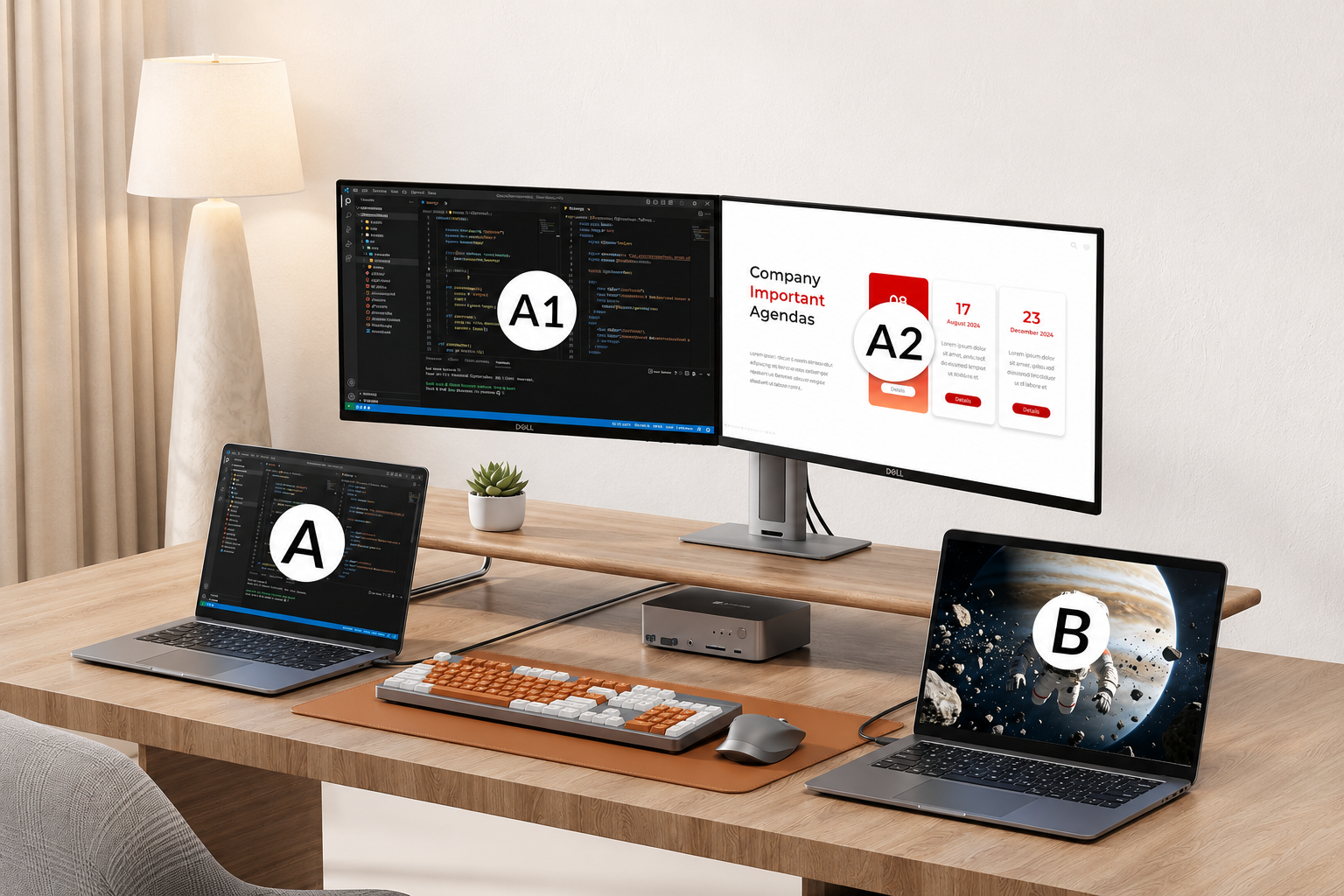
The AV Access iDock C20 USB-C KVM Switch Docking Station combines two ideas that traditionally required separate pieces of hardware: a laptop dock and a KVM switching system.
That combination can make a substantial difference for anyone regularly working with two computers.
Imagine a typical hybrid-work arrangement. You have a company laptop for meetings, documents, and internal applications. Beside it is your personal laptop for freelance projects, creative work, or entertainment.
Without a switching system, moving between them may involve changing monitor inputs, reconnecting USB devices, moving charging cables, or keeping duplicate accessories on the desk.
The iDock C20 is designed to create a more centralized experience.
Its multi-port configuration allows compatible devices and peripherals to become part of one workstation. Instead of thinking of your keyboard, mouse, monitors, network connection, and USB accessories as belonging permanently to one machine, the dock helps make them part of the desk itself.
That is an important distinction.
The computer can change. Your working environment stays familiar.
The product imagery also emphasizes a broad docking layout and laptop power delivery, helping reduce the number of independent adapters needed around the workspace. For users who alternate throughout the day between business and personal systems, that can turn a frustrating ritual into a far smoother transition.
It is particularly well suited to home offices where desk space matters. Rather than surrounding two laptops with separate hubs and chargers, the iDock C20 encourages a cleaner central architecture.
Ideal for: hybrid workers, programmers, financial professionals, creators, and anyone operating two USB-C laptops from one primary workstation.
2. AV Access KVM Solution for Gaming: One Setup Shouldn’t Mean One Computer
Gaming setups have become extraordinarily sophisticated.
High-refresh-rate displays, mechanical keyboards, dedicated microphones, audio interfaces, lighting systems, gaming mice, controllers, and powerful GPUs are now common components of enthusiast desks.
But many gamers also use those same desks for work.
That creates an awkward question: should you build two complete setups?
AV Access offers another answer.
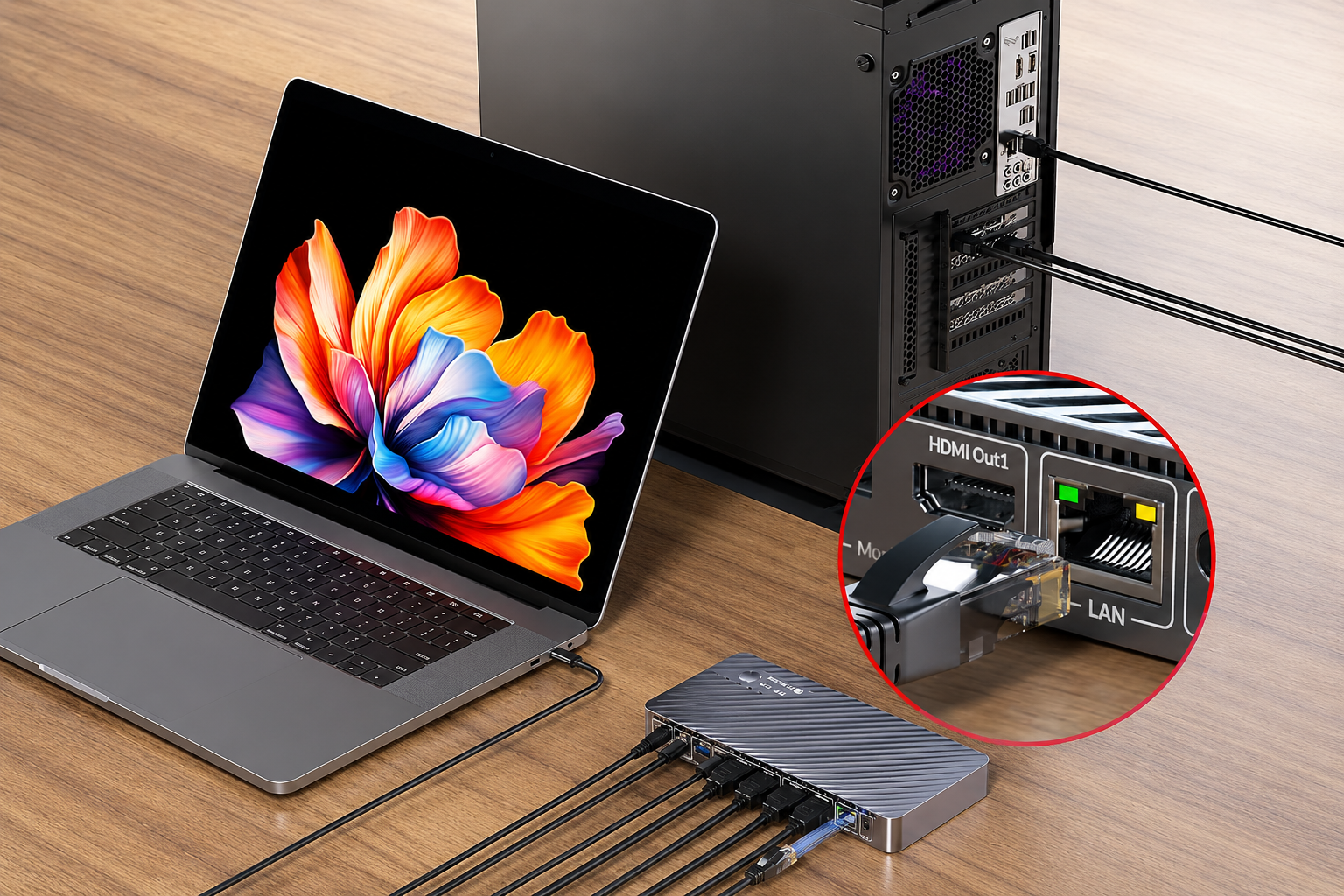
The gaming-oriented KVM solution represented by the second featured product is designed around the idea that one high-performance collection of peripherals can serve more than one computer.
This becomes particularly useful when someone owns a gaming desktop alongside a work laptop.
During office hours, the monitor, keyboard, mouse, and accessories can support productivity. When work ends, the user can shift the environment toward the gaming PC instead of physically rearranging the desk.
AV Access also clearly recognizes that gamers are sensitive to video quality and responsiveness. A conventional office switch might be acceptable for spreadsheets, but gaming environments place much greater demands on the display chain.
The product presentation emphasizes high-resolution and gaming-oriented compatibility, positioning the device for desks where visual performance matters alongside convenience.
This is what makes AV Access interesting as a brand: its switching products are not necessarily asking users to compromise their setups for simplicity. They are designed for people who want both.
One desk can be a workstation at 3 p.m. and a gaming command center at 8 p.m.
The hardware in between should be able to keep up.
Ideal for: PC gamers, streamers, hybrid workers with gaming desktops, multi-system enthusiasts, and users trying to consolidate their peripherals.
3. AV Access Dual-Monitor USB-C KVM Dock: Multitasking Without the Cable Shuffle
There is something transformative about moving from one monitor to two.
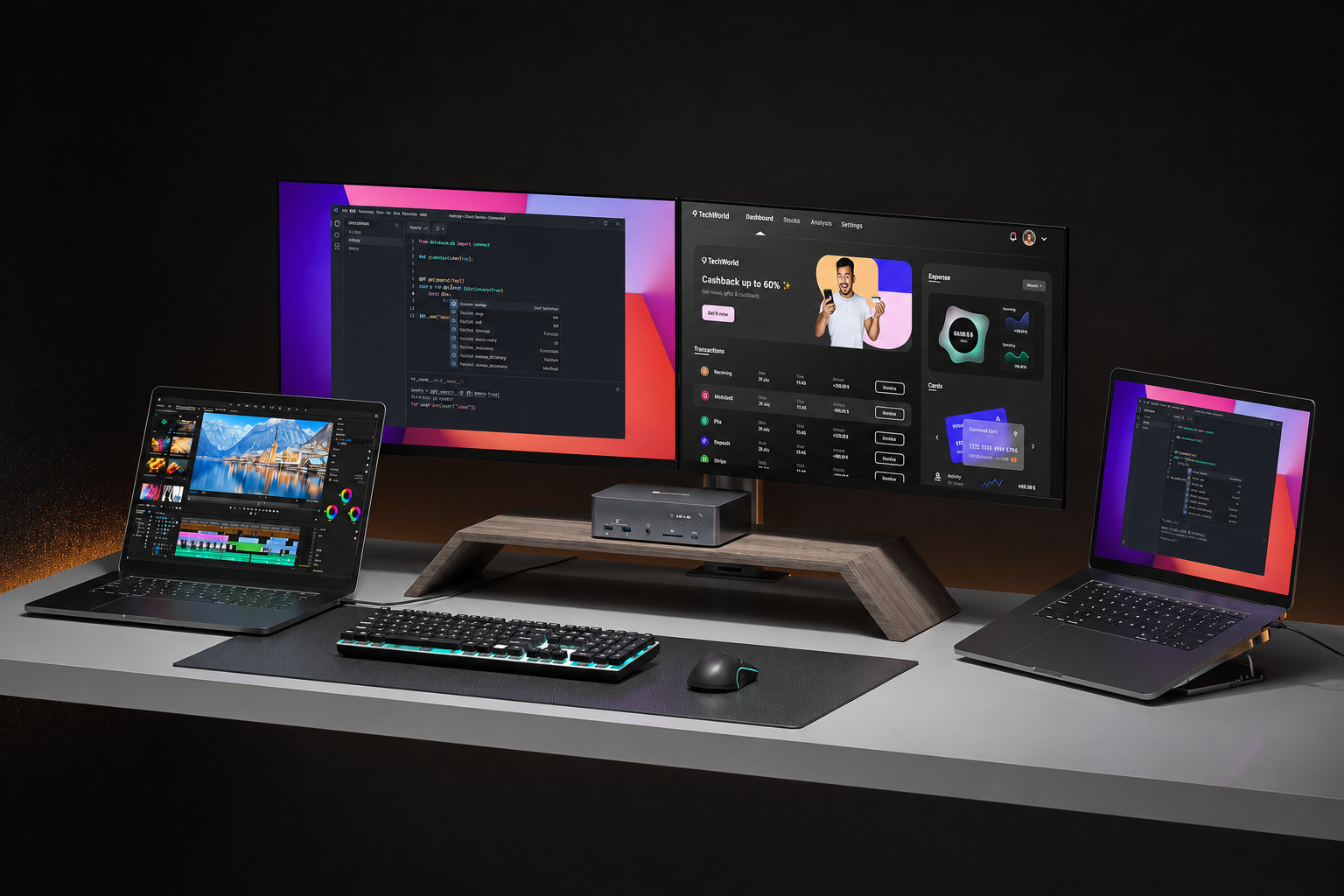
Emails can remain open while documents occupy the main screen. Video editors can separate timelines from preview windows. Developers can keep code on one display and documentation on another. Analysts can compare datasets without constantly minimizing applications.
Add a second computer, however, and dual-monitor productivity quickly becomes more complicated.
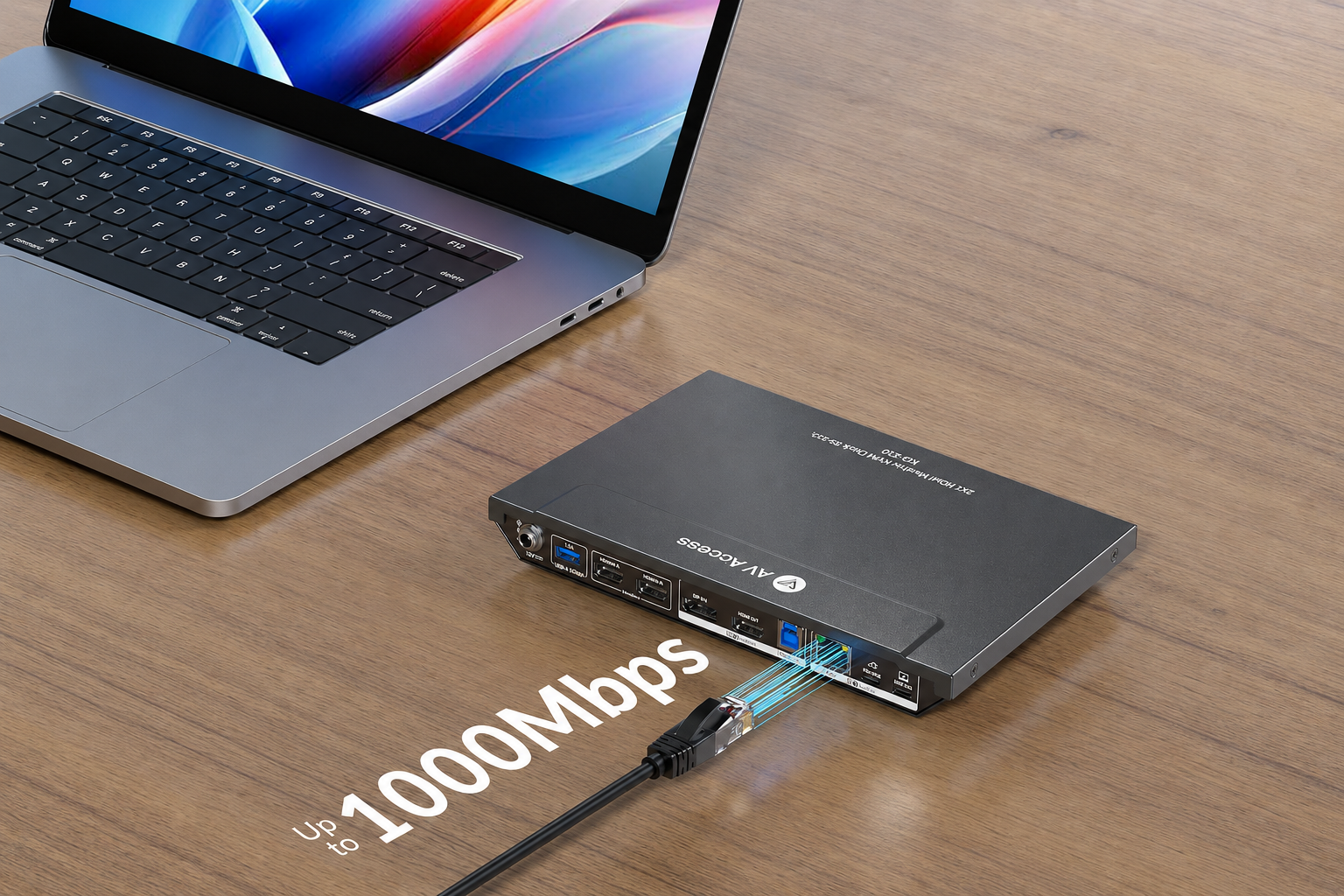
The third AV Access product tackles exactly that problem with a dual-monitor USB-C KVM docking concept built for multiple laptops or computers.
Instead of using a basic peripheral switch, this type of solution manages a larger portion of the workstation.
That matters because a modern desk is not simply a keyboard and monitor anymore. It may include storage drives, cameras, Ethernet, USB devices, audio equipment, and other accessories.
By bringing switching and docking functions into one unit, AV Access creates a setup where changing computers does not necessarily mean changing the way you work.
The dual-monitor focus is especially attractive for professionals who depend on screen real estate.
Consider an engineer who has a corporate laptop and a personal development machine. Or a designer moving between client work and an independent workstation. Both computers may need access to the same monitors and input devices.
The goal is not merely fewer cables.
It is fewer interruptions.
A good connectivity product fades into the workflow. You stop thinking about which cable belongs where and start thinking about the project in front of you.
That may be AV Access’s most compelling promise.
Ideal for: software developers, designers, analysts, traders, remote professionals, and productivity-focused dual-monitor users.
4. AV Access KVM Docking Station: Turning a Mac-and-PC Desk Into One Workspace
Mixing operating systems introduces another layer of complexity.
Many creative professionals prefer macOS for some workflows while keeping a Windows computer for specialized applications, gaming, testing, or business software.
Traditionally, that can mean compromising the elegance of the desk.
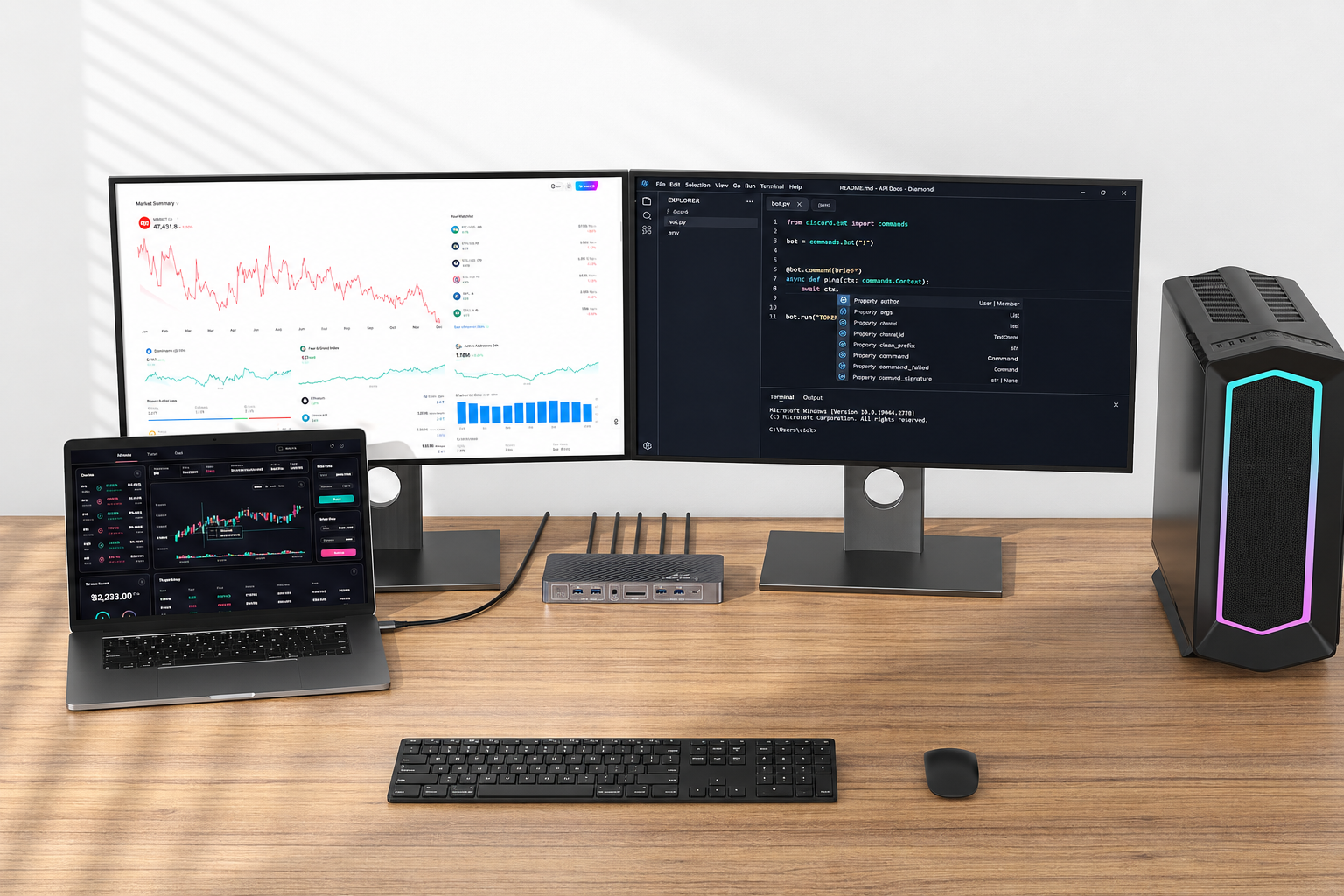
The fourth featured AV Access product is positioned around a broader KVM docking station environment for Mac and PC systems, helping bridge devices that might otherwise live in separate hardware ecosystems.
The appeal is straightforward: peripherals should not become prisoners of one computer.
A premium monitor should remain useful regardless of which system is active. The same principle applies to a keyboard, mouse, external drive, webcam, or other desktop accessories.
With a centralized switching dock, users can create something closer to a hardware-neutral workstation.
The laptop becomes one source among several rather than the center around which the entire desk must be rebuilt.
That can be particularly useful for creators.
A photographer might manage images on one platform but use another PC for specialized software. A content creator could edit on a Mac while maintaining a Windows system for streaming or testing. A developer might need to compare applications across both operating systems.
AV Access makes these combinations feel less like unusual edge cases and more like normal modern workflows.
And increasingly, they are.
Ideal for: mixed Mac-and-PC households, creators, developers, tech reviewers, consultants, and multi-platform professionals.
5. AV Access High-Performance KVM: When Your Display Setup Refuses to Compromise
Not every KVM user is trying to connect a basic office monitor.
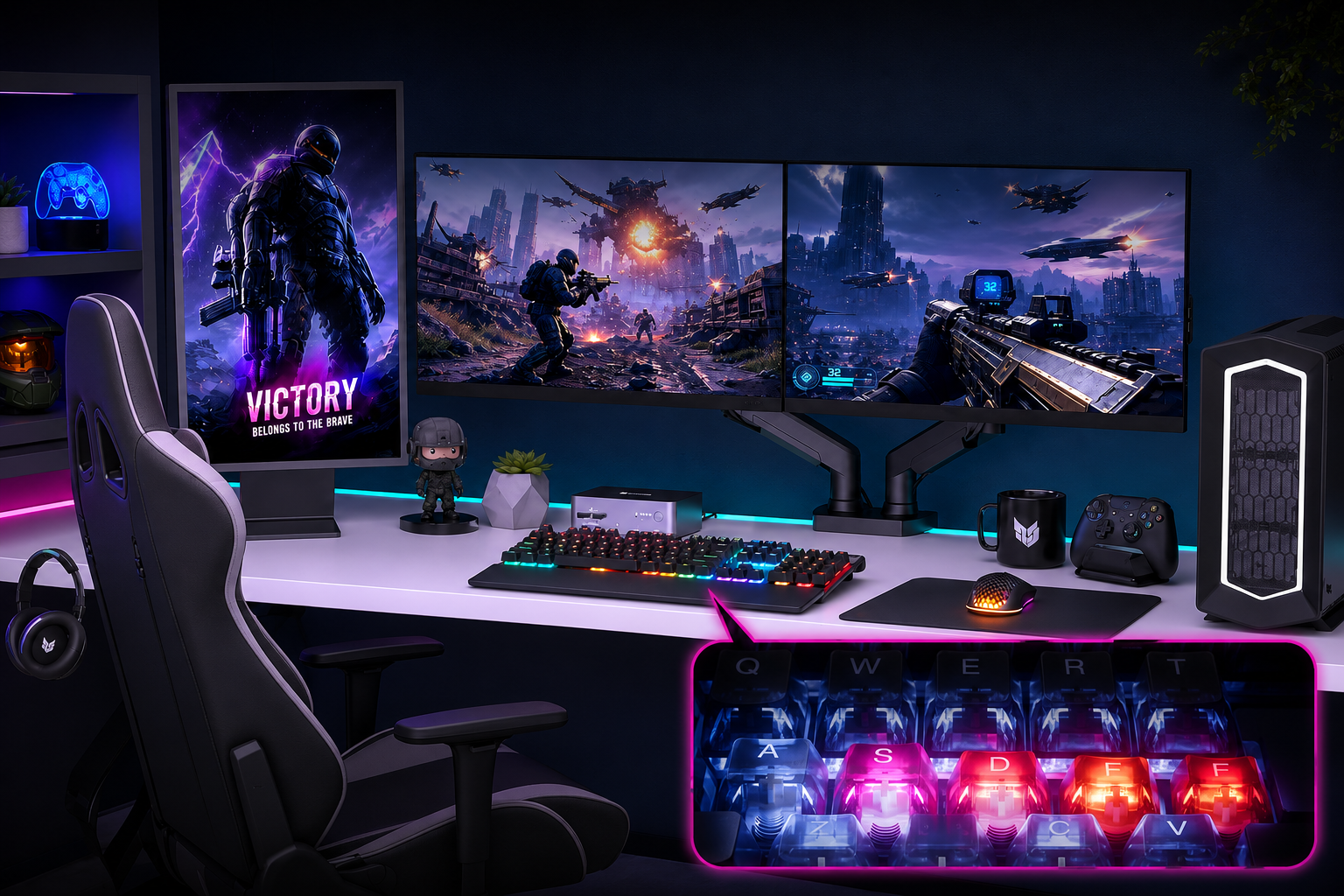
Some desks contain ultrawide displays, gaming monitors, elaborate RGB workstations, high-resolution content systems, and powerful computers expected to deliver excellent visual performance.
The fifth featured AV Access solution moves directly into that enthusiast territory.
Its product presentation places particular emphasis on high-bandwidth video performance, including striking references to 100W-class power delivery and advanced display connectivity.
This reflects an important evolution in the KVM category.
Switching between computers used to be mostly about convenience. Today it also has to account for increasingly demanding displays, USB-C devices, high-powered laptops, and performance peripherals.
That means the equipment connecting everything can no longer be an afterthought.
For a gamer, creator, or power user, the connection layer needs to preserve the experience that expensive computers and monitors were purchased to deliver in the first place.
AV Access appears to understand that enthusiast users do not simply want “a switch.”
They want a switching solution that belongs in the same performance class as the rest of their desk.
The result is particularly attractive for anyone building a workstation that needs to transition between productivity and entertainment without becoming two separate setups.
Ideal for: enthusiast workstations, gaming environments, high-resolution displays, creators, and users with demanding multi-device configurations.
The AV Access Difference: Productivity Through Invisible Technology
The most successful desk technology often becomes invisible.
You notice a bad connection immediately. You notice a missing port. You notice when you have to crawl under a desk to swap cables.
But when the infrastructure works correctly?
You simply continue working.
That philosophy is visible throughout AV Access’s broader catalog. Its Amazon storefront extends beyond KVM docks into AV-over-IP products, extenders, HDMI switching and splitting equipment, conferencing devices, processors, and connectivity accessories.
The common theme is coordination.
AV Access builds products for situations where several pieces of technology need to communicate efficiently—and where the user would rather not spend the day managing those connections manually.
This gives the brand relevance far beyond conventional offices.
A home creator studio can benefit from it.
A gaming desk can benefit from it.
A conference room can benefit from it.
A software-development station, trading desk, classroom, media workspace, or multi-computer home office can benefit from it.
Different environments, same fundamental problem: too many devices competing for the same screens and peripherals.
Who Should Consider AV Access?
AV Access is particularly worth exploring if your desk has evolved faster than your connectivity setup.
If you frequently switch between a work laptop and personal computer, a KVM dock can simplify your routine.
If you use two monitors and several USB accessories, a more comprehensive docking solution may help centralize the entire workstation.
If gaming and productivity happen at the same desk, AV Access offers products designed with higher-performance display environments in mind.
And if you regularly move between Mac, Windows, or multiple laptops, the ability to share peripherals can make the whole workspace feel far more intentional.
In short, AV Access is not primarily selling “another box for your desk.”
It is selling fewer reasons to touch the cables behind it.
A Better Workspace Is Often About What You Remove
Desk upgrades are usually discussed in terms of adding things.
Add another monitor.
Add a better keyboard.
Add a faster laptop.
Add a microphone.
Add external storage.
But eventually, improvement comes from the opposite direction.
Remove duplicate peripherals.
Remove unnecessary adapters.
Remove constant cable swapping.
Remove the friction between computers.
That is where AV Access earns its place.
The brand’s iDock and KVM solutions show that a sophisticated multi-computer setup does not necessarily need to feel complicated. With the right infrastructure, several devices can begin behaving like parts of one coherent workspace.
For hybrid professionals, creators, gamers, developers, and technology enthusiasts, that is a surprisingly powerful upgrade.
Your computers may remain separate.
Your workspace does not have to be.
Explore AV Access products and discover a smarter way to connect your desk!